
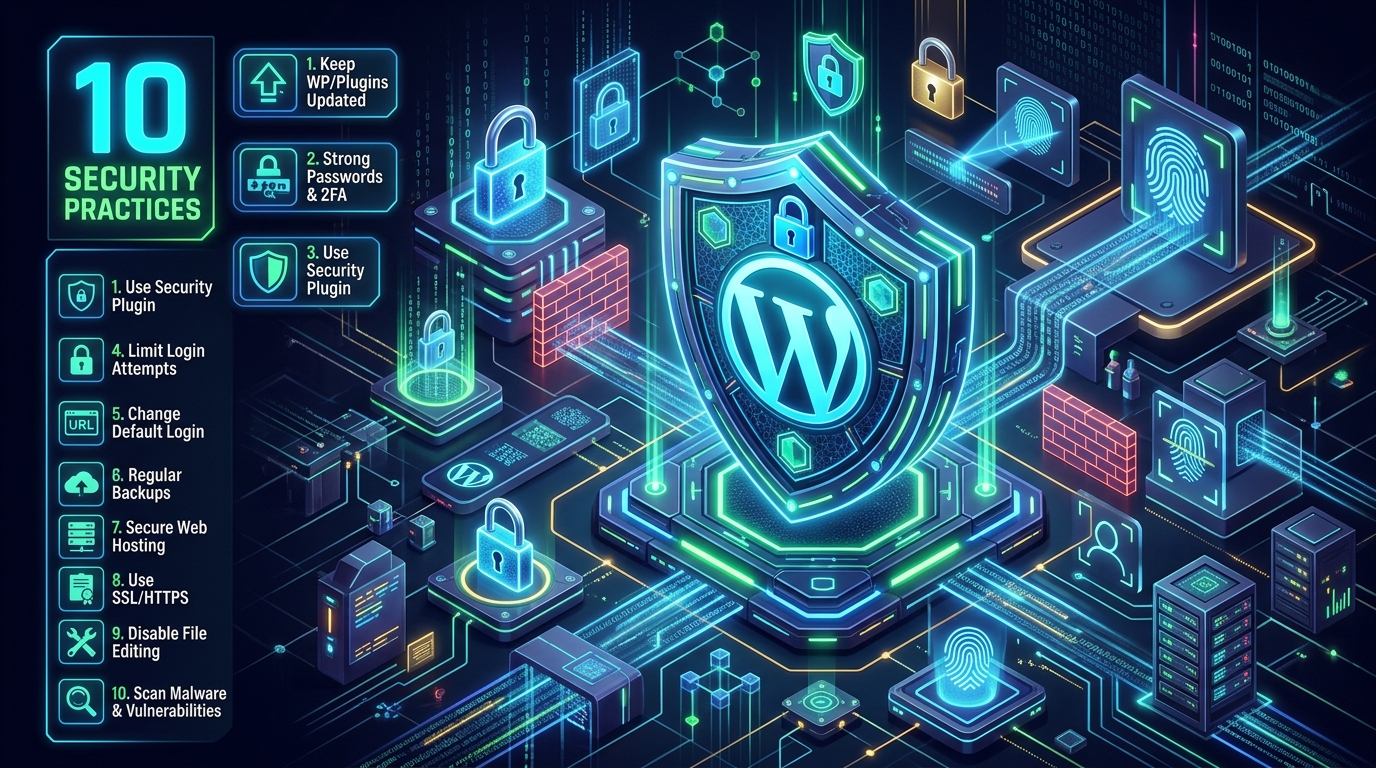
Welcome to our comprehensive guide on 10 Security Practices for WordPress Websites. As the world's most popular Content Management System (CMS), WordPress powers over 40% of the internet. Unfortunately, this popularity also makes it a massive target for automated bots, brute-force attacks, and hackers. Securing your WordPress site is not an option; it is a necessity.
1. Keep WordPress Core, Themes, and Plugins Updated
Outdated software is the leading cause of WordPress infections. Developers constantly release patches for discovered vulnerabilities. You should enable automatic updates for minor core releases, and regularly log in to update themes and plugins.
2. Enforce Strong Passwords and 2FA
A surprising number of breaches occur simply because an admin used a weak password. Mandate strong, unique passwords for all user accounts, and install a Two-Factor Authentication (2FA) plugin to require a temporary code sent to a mobile device during login.
3. Use a Reputable Security Plugin
Plugins like Wordfence or iThemes Security provide endpoint firewalls and malware scanners that are built specifically for WordPress. They actively block malicious traffic and alert you if core files are modified.
4. Limit Login Attempts
By default, WordPress allows unlimited login attempts. This makes it vulnerable to brute-force attacks. Use a plugin to limit failed login attempts, automatically temporarily banning IP addresses that try to guess passwords repeatedly.
5. Change the Default Login URL
Automated bots are programmed to attack /wp-admin and /wp-login.php. Changing this URL to something unique (e.g., /my-secure-access) stops the vast majority of automated brute-force attacks before they even begin.
6. Implement Regular, Automated Backups
If your site is compromised, a clean backup is your best safety net. Don't rely solely on your host; use a plugin like UpdraftPlus to automatically save daily backups to an off-site location like Google Drive or Dropbox.
7. Invest in Secure Web Hosting
Your website is only as secure as the server it sits on. At Cloudmorix, we provide layered security, free SSL certificates, and 24/7 threat monitoring to ensure your WordPress site is protected at the infrastructure level.
8. Use SSL/HTTPS
An SSL certificate encrypts the data transferred between your website and your visitors' browsers, protecting sensitive information like login credentials and credit card numbers from being intercepted.
9. Disable File Editing
WordPress has a built-in code editor that allows admins to edit theme and plugin files. If a hacker gains access, they can use this to inject malicious code. Disable this feature by adding define( 'DISALLOW_FILE_EDIT', true ); to your wp-config.php file.
10. Regularly Scan for Malware and Vulnerabilities
Security is an ongoing process. Schedule automated scans to check your website for known malware signatures, out-of-date plugins, and potential backdoor scripts.
Conclusion
Securing a WordPress website requires a layered approach. By implementing these 10 practices, you significantly reduce your attack surface and protect your business, your data, and your visitors. If you are looking for hosting that takes security seriously out-of-the-box, explore Cloudmorix's optimized WordPress hosting solutions.